
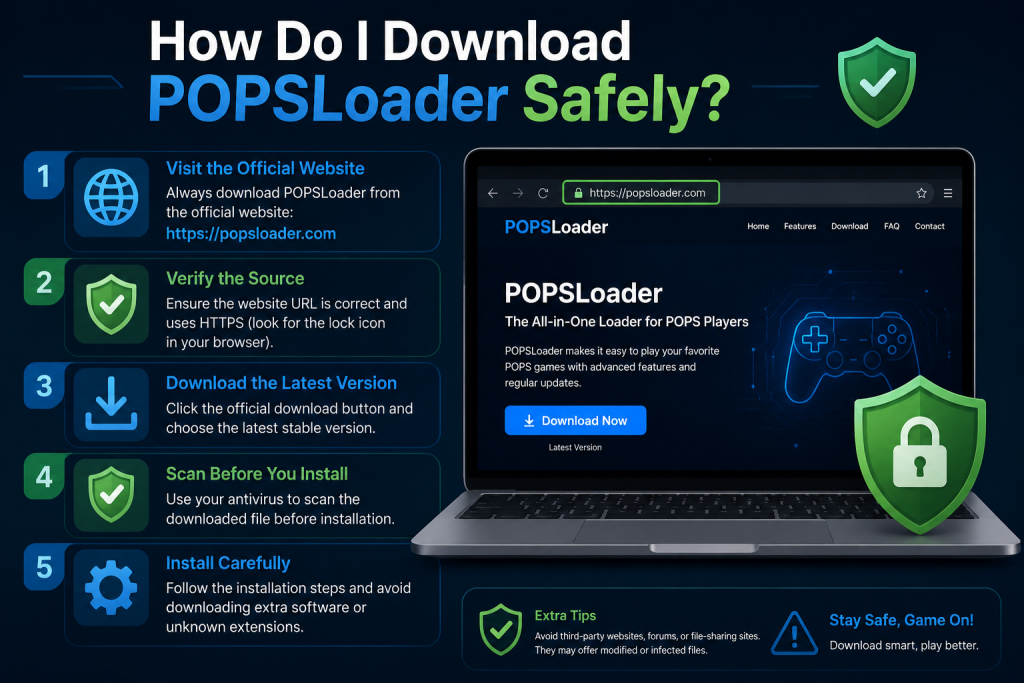
If you’re into PlayStation Portable (PSP) modding or retro gaming, you may have heard about POPSLoader. It’s a popular plugin that helps improve compatibility when running PlayStation 1 (PS1) games on a PSP using the built-in POPS emulator.
However, downloading it from the wrong place can expose your device to corrupted files, outdated versions, or even malware. In this guide, you’ll learn how to download POPSLoader safely, what to avoid, and how to install it correctly.
Read More: What is POPSLoader and What Is It Used For?
What Is POPSLoader?
POPSLoader is a custom plugin used on hacked or modified PSP systems. It allows users to switch between different versions of the POPS emulator, which is Sony’s built-in PS1 emulator for PSP.
In simple terms, POPSLoader helps:
- Improve PS1 game compatibility
- Fix game crashes or black screens
- Let older PS1 titles run more smoothly
- Provide access to different emulator versions
It’s mainly used by retro gaming enthusiasts who want better performance when playing classic PlayStation games.
Is POPSLoader Safe?
Yes POPSLoader itself is safe when downloaded from trusted homebrew sources.
The risk comes from:
- Fake download sites
- Modified or infected files
- Outdated versions that don’t match your firmware
- Unverified third-party forums
So safety depends completely on where and how you download it.
How to Download POPSLoader Safely
Follow these steps carefully to ensure a safe download:
Use Trusted PSP Homebrew Communities
Always download POPSLoader from well-known PSP homebrew communities or archives that are known for preserving clean files.
Look for:
- Established PSP modding forums
- Community-verified GitHub repositories
- Homebrew archive collections
Avoid random “free download” websites.
Check Compatibility with Your PSP Firmware
Before downloading, confirm your system details:
- PSP model (1000, 2000, 3000, Go)
- Custom Firmware (CFW) version
- Required POPSLoader version
Using the wrong version can cause crashes or black screens.
Scan Files Before Extracting
Even if the source is trusted, always:
- Scan the downloaded ZIP/RAR file using antivirus software
- Check file integrity if a checksum (MD5/SHA1) is provided
This ensures no tampered files were added.
Avoid Pre-Packaged “Game + POPSLoader” Bundles
Be careful with packages that include:
- Games + emulator + plugins together
These are often modified and unsafe. POPSLoader should be installed separately.
Download Only the Latest Stable Version
Older versions may:
- Lack compatibility fixes
- Not support newer CFW
- Cause game crashes
Stick to the latest stable release recommended by the PSP community.
How to Install POPSLoader (Basic Overview)
Once downloaded safely, installation usually involves:
- Extracting the POPSLoader files
- Copying them into the
sepluginsfolder on your PSP memory stick - Editing or creating a
game.txtorpops.txtfile - Enabling the plugin in Recovery Mode
- Restarting your PSP
Always follow a guide specific to your firmware version for correct setup.
Common Mistakes to Avoid
To keep your PSP safe, avoid these mistakes:
- ❌ Downloading from unknown websites
- ❌ Using outdated POPSLoader versions
- ❌ Mixing incompatible plugins
- ❌ Not backing up your PSP memory stick
- ❌ Skipping file verification
Conclusion
Downloading POPSLoader safely is all about using trusted sources, checking compatibility, and avoiding modified or unknown files. When you take the right precautions, you can enjoy smoother PS1 game performance on your PSP without risking malware or system issues. Always verify your downloads and follow proper installation steps for the best and safest experience.