
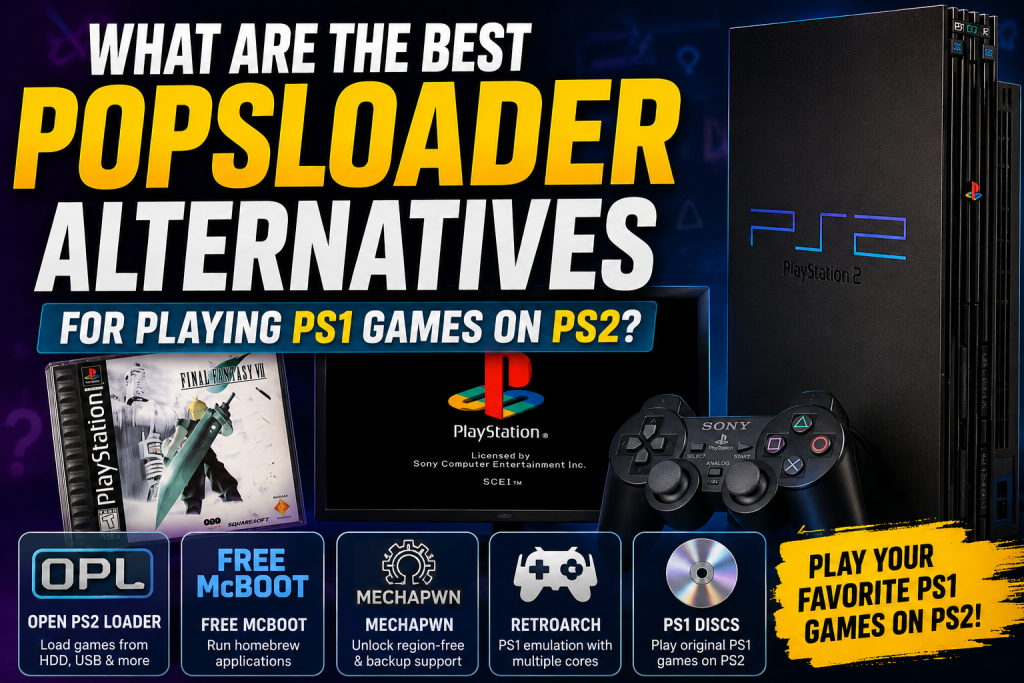
The PlayStation 2 remains one of the most beloved gaming consoles ever made, and many players still enjoy revisiting classic PS1 titles on their PS2 systems. While POPSLoader has been a popular solution for improving PlayStation 1 game compatibility, it isn’t always the best or most practical option for PS2 users.
Fortunately, several alternatives can help you play PS1 games more efficiently, whether you’re using original discs, backups, or homebrew applications. In this guide, we’ll explore the best POPSLoader alternatives for PS2, comparing their features, compatibility, and ease of use to help you choose the right solution.
Read More: How Can I Fix Black Screen or Loading Issues in POPSLoader?
What Is POPSLoader?
POPSLoader is a plugin originally designed for the PSP (PlayStation Portable) that allows users to switch between different versions of Sony’s PS1 emulator (POPS). This helps improve compatibility with PlayStation 1 games that may not run correctly on certain firmware versions.
However, POPSLoader is not specifically designed for the PlayStation 2. As a result, PS2 users often need alternative methods to play PS1 backups, imports, or digitally stored PS1 games.
Why Look for POPSLoader Alternatives on PS2?
There are several reasons gamers seek alternatives:
- Better compatibility with PS1 games
- Support for backup copies and disc images
- Enhanced loading options
- Reduced dependence on aging hardware
- Easier game management through storage devices
Fortunately, the PS2 homebrew community has developed several excellent solutions.
Open PS2 Loader (OPL)
Best For: Loading Games from USB, HDD, and Network Storage
Open PS2 Loader (OPL) is one of the most popular homebrew applications for the PlayStation 2. While it is primarily known for running PS2 games, newer developments and community projects have expanded its usefulness for managing retro gaming setups.
Key Features
- Supports USB drives, internal hard drives, and SMB network shares
- User-friendly interface
- Active community support
- Compatible with many PS2 homebrew tools
- Regular updates from the community
Pros
- Easy to install and use
- Excellent game organization
- Large community support
Cons
- Native PS1 support is limited without additional tools
For many users, OPL serves as the central hub for launching various gaming applications and PS1-related solutions.
PS1VModeNeg
Best For: Video Mode Compatibility
PS1VModeNeg is a useful utility that helps improve video mode compatibility when launching PS1 games on PlayStation 2 hardware.
Benefits
- Helps resolve display issues
- Supports multiple television standards
- Improves compatibility for imported titles
While it isn’t a complete POPSLoader replacement, it can significantly improve the PS1 gaming experience on a modded PS2.
MechaPwn
Best For: Unlocking Additional PS1 Features on Compatible PS2 Consoles
MechaPwn has become one of the most exciting developments in the PS2 modding scene.
What It Does
MechaPwn modifies compatible PS2 systems to unlock additional console functionality, including improved support for:
- Imported PS1 games
- Backup discs
- Region-free gaming
Advantages
- No physical modchip required
- Enhanced compatibility
- Supports several PS2 Slim models
For users with compatible consoles, MechaPwn can be a powerful alternative to traditional solutions.
Free McBoot + ESR Combination
Best For: Homebrew Enthusiasts
Free McBoot remains one of the most popular methods of running homebrew software on the PlayStation 2.
When paired with ESR and other homebrew applications, it creates a flexible environment for launching various gaming tools.
Features
- Easy homebrew access
- Supports multiple applications
- Memory card-based installation
- No permanent console modification required
Why It’s Useful
Although it doesn’t directly replace POPSLoader, it provides the foundation necessary to run many PS1-related utilities and compatibility tools.
Original PS1 Discs on Backward-Compatible PS2 Models
Best For: Maximum Compatibility
If your primary goal is stability and authenticity, using original PS1 discs on a PlayStation 2 remains one of the best options.
Sony designed most PS2 consoles with built-in backward compatibility for PlayStation 1 games.
Benefits
- Native hardware support
- Excellent compatibility
- No software configuration required
- Authentic gaming experience
For collectors and retro gaming purists, this is often the preferred approach.
RetroArch on PS2
Best For: Emulation Enthusiasts
RetroArch has become a popular multi-system frontend across many gaming platforms.
Although the PS2 version has limitations compared to modern hardware, it offers access to PS1 emulation cores and various customization options.
Advantages
- Multiple emulator cores
- Save states
- Visual enhancements
- Custom controller mapping
Drawbacks
- Performance varies by game
- Setup can be more complex
Still, RetroArch remains an attractive option for users who enjoy experimenting with emulation.
Which POPSLoader Alternative Is Best?
The right choice depends on your goals:
| Alternative | Best For |
|---|---|
| Open PS2 Loader (OPL) | General homebrew and game management |
| MechaPwn | Region-free and backup disc support |
| Free McBoot | Homebrew access and flexibility |
| RetroArch | PS1 emulation features |
| Original PS1 Discs | Highest compatibility |
| PS1VModeNeg | Video compatibility fixes |
For most users, a combination of Free McBoot, Open PS2 Loader, and MechaPwn provides the best balance of compatibility, convenience, and functionality.
Conclusion
While POPSLoader remains well-known in the PlayStation modding community, it is not the ideal solution for PS2 users. Fortunately, modern alternatives such as Open PS2 Loader, Free McBoot, MechaPwn, and RetroArch offer reliable ways to enjoy classic PlayStation 1 games on PlayStation 2 hardware.
Whether you’re a retro gaming enthusiast, collector, or homebrew user, these alternatives can help you get the most out of your PS2 while preserving access to the legendary PS1 library. By choosing the right combination of tools, you can enjoy smoother gameplay, broader compatibility, and a more convenient gaming experience.