
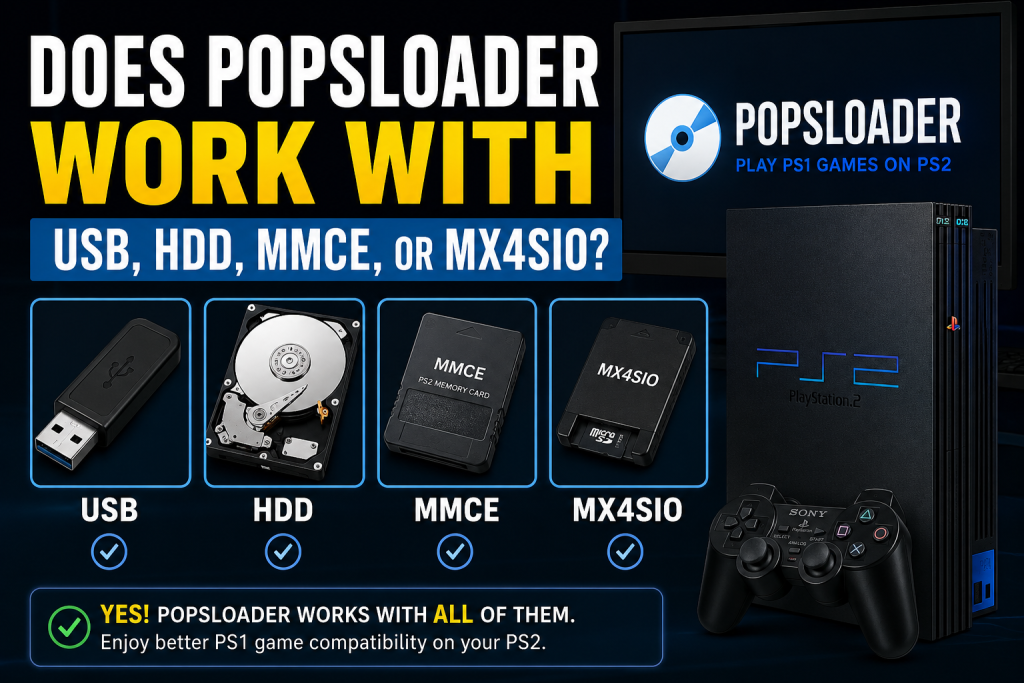
If you’re a PlayStation 2 enthusiast exploring different ways to play your favorite PS1 games, you’ve probably come across POPSLoader. One of the most common questions among retro gaming fans is: Does POPSLoader work with USB, HDD, MMCE, or MX4SIO? The short answer is yes, but the level of compatibility can vary depending on the storage method you choose.
In this guide, we’ll explain how POPSLoader works with these storage devices, their advantages and disadvantages, and which option provides the best gaming experience on a PS2 console.
Read More: How Does POPSLoader Work with POPStarter?
What Is POPSLoader?
POPSLoader is a compatibility tool used alongside POPStarter to improve the performance of PlayStation 1 games running on a PlayStation 2. It allows users to switch between different versions of Sony’s POPS emulator files, helping resolve issues such as graphical glitches, crashes, freezing, and audio problems.
Because not all PS1 games behave the same way, POPSLoader gives players greater flexibility by testing multiple emulator versions to find the one that works best for a specific title.
Does POPSLoader Work with USB Devices?
Yes, POPSLoader can work with USB storage devices when used through POPStarter. Many users initially choose USB drives because they are inexpensive and easy to set up.
However, there are some limitations. The PS2’s USB ports operate at USB 1.1 speeds, which are significantly slower than modern USB standards. As a result, some PS1 games may experience longer loading times, occasional stuttering, or audio synchronization issues.
Advantages of Using USB
- Simple installation process
- Widely available and affordable
- No need to open the console
- Suitable for casual gaming
Disadvantages of Using USB
- Slower data transfer speeds
- Potential compatibility issues with certain games
- Increased chance of lag during gameplay
USB can still be a practical option if you want a straightforward setup and primarily play titles that are known to function well through this method.
Does POPSLoader Work with Internal HDD?
Absolutely. For owners of the original PlayStation 2 “fat” models, using an internal hard drive is often considered one of the best solutions.
An HDD provides much faster access speeds compared to USB devices. This improved performance can lead to smoother gameplay, reduced loading times, and better overall stability when running PS1 games with POPSLoader.
Benefits of Using an HDD
- Faster game loading
- Improved compatibility
- More stable gaming experience
- Ideal for larger game collections
Potential Drawbacks
- Requires a compatible fat PS2 model
- Additional setup may be necessary
- Installation hardware might be required
For serious retro gamers, an internal HDD remains one of the most recommended storage options.
Can POPSLoader Be Used with MMCE?
Yes, POPSLoader also works with MMCE setups in many cases. MMCE solutions are designed to provide memory card-based storage functionality, offering another alternative for launching games and homebrew applications.
Many users appreciate MMCE because it combines convenience with better performance than traditional USB devices. Since the technology continues to evolve within the PS2 homebrew community, compatibility may differ depending on the specific implementation being used.
Advantages of MMCE
- Compact storage solution
- Convenient for homebrew users
- Better performance than USB in some situations
Things to Consider
- Setup procedures can vary
- Compatibility depends on hardware configuration
- Community support may be more limited compared to HDD setups
If you already use MMCE for homebrew applications, POPSLoader integration can be a valuable addition to your gaming setup.
Does POPSLoader Support MX4SIO?
MX4SIO has become increasingly popular among PS2 users, and the good news is that POPSLoader support is available through compatible POPStarter configurations.
MX4SIO uses the memory card slot to access microSD storage, often delivering better performance than standard USB solutions. Because of its ease of installation and relatively strong performance, many PS2 enthusiasts consider it one of the most practical modern options.
Benefits of MX4SIO
- No internal modifications required
- Faster performance compared to USB
- Uses affordable microSD cards
- Easy to install and maintain
Limitations of MX4SIO
- Compatibility can depend on software versions
- Not every PS1 game will perform perfectly
- Requires appropriate configuration files
For users with slim PS2 consoles that cannot utilize internal HDD solutions, MX4SIO offers an excellent alternative.
Which Storage Method Is Best for POPSLoader?
Choosing the right storage method depends on your PlayStation 2 model and personal preferences.
Internal HDD is generally regarded as the best option for fat PS2 systems because of its speed and reliability.
MX4SIO is an outstanding choice for slim PS2 owners who want improved performance without modifying their console.
MMCE can be a useful middle-ground solution, particularly for users already invested in compatible homebrew setups.
USB remains the easiest and most accessible option, although its slower speeds may impact the gaming experience in certain titles.
Tips for Better POPSLoader Compatibility
To achieve the best results when using POPSLoader, consider the following recommendations:
- Use updated versions of POPStarter and POPSLoader.
- Check community compatibility lists before launching a game.
- Test multiple POPS versions if a title encounters problems.
- Use high-quality storage devices to reduce read errors.
- Keep backup copies of your configuration files.
These practices can significantly improve your chances of enjoying a stable and enjoyable PS1 gaming experience on your PS2.
Conclusion
So, does POPSLoader work with USB, HDD, MMCE, or MX4SIO? The answer is yes. POPSLoader is versatile enough to function across multiple storage methods, giving PlayStation 2 users flexibility based on their hardware setup.
While USB provides a simple entry point, HDD and MX4SIO generally offer better performance and compatibility. MMCE also presents an interesting option for users seeking alternative storage solutions.
Ultimately, the best choice depends on your console model, technical comfort level, and the specific PS1 games you want to play. By pairing POPSLoader with the right storage device, you can enhance compatibility and enjoy classic PlayStation titles with fewer issues and a smoother overall experience.